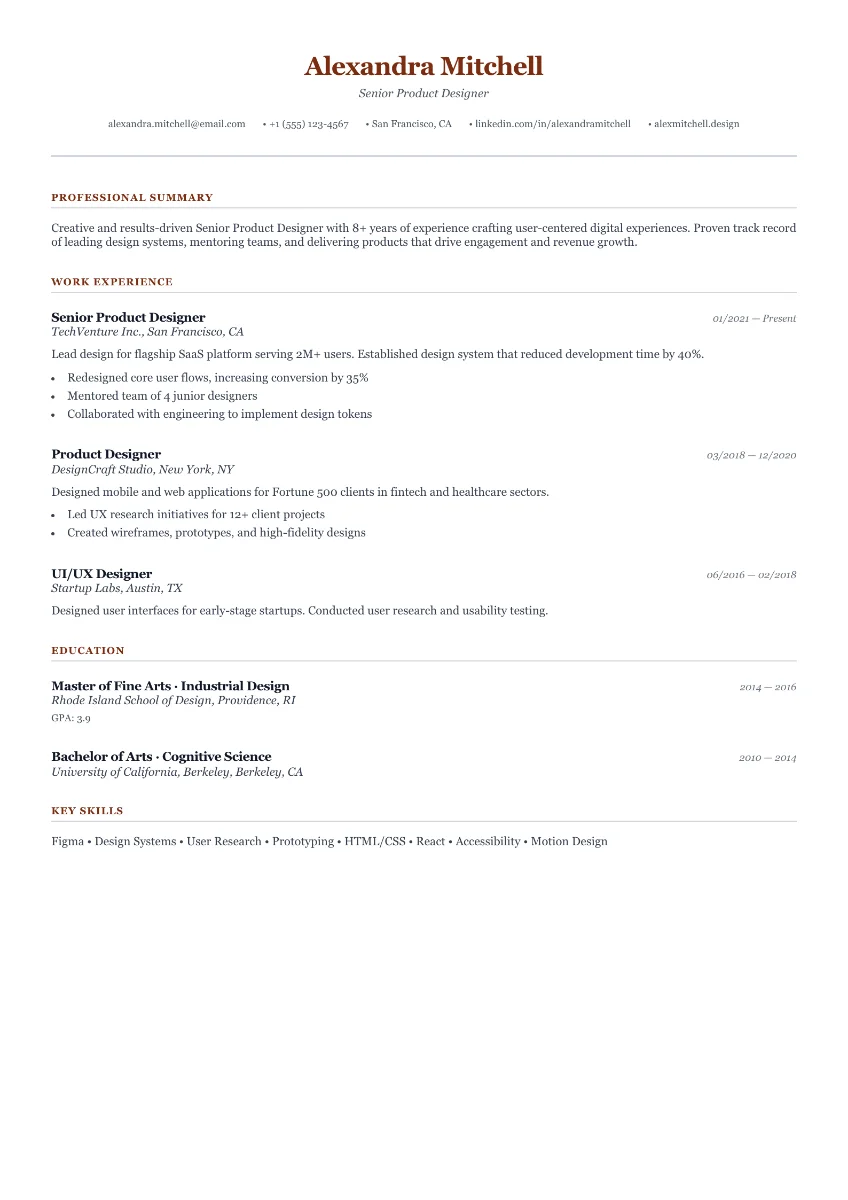
Cambridge
FreeClassic structure. Clear and considered.
No Signup To Start
Import your existing resume, improve it faster with AI, tailor it to a job description, and export an ATS-ready PDF with modern templates and live editing. Start in your browser and keep moving.
Starts in your browser, saves as you type, and stays easy to edit on phone or desktop.
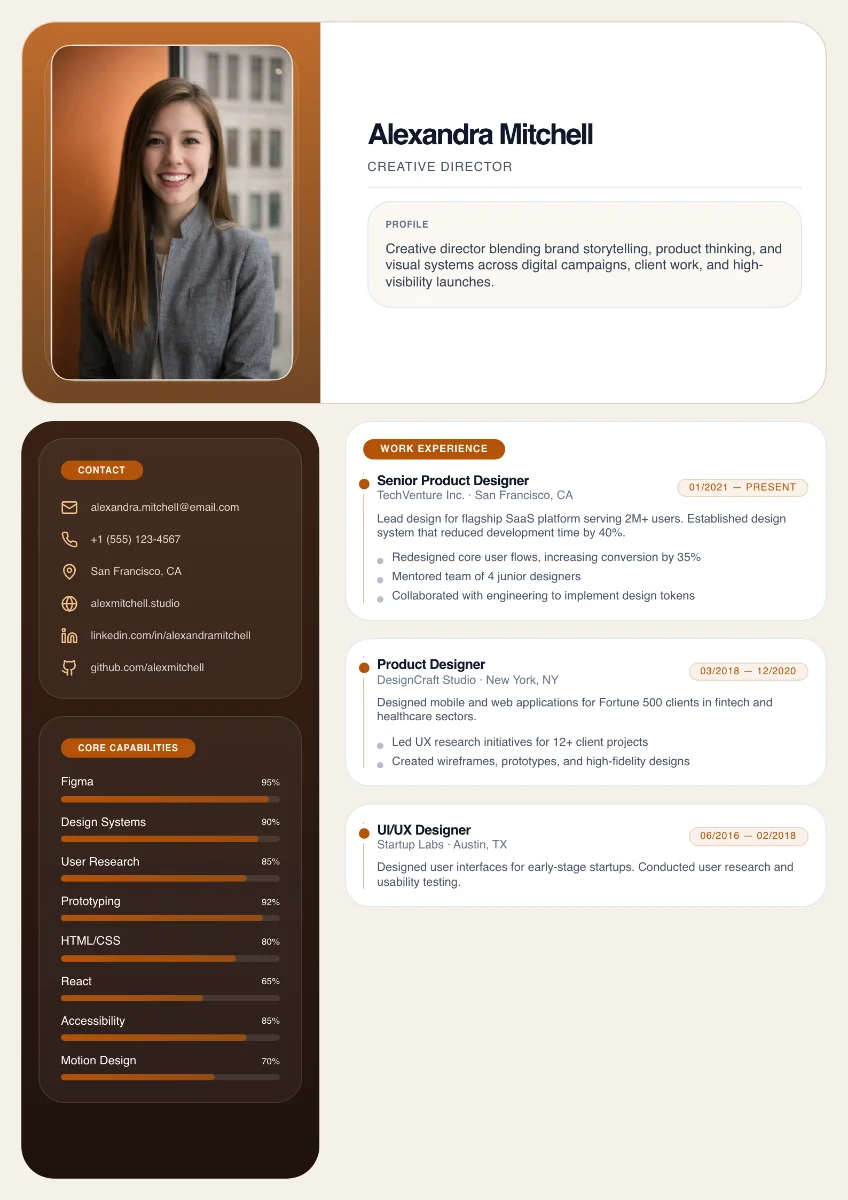
Professional Layout. Ready Fast.
Harbor · Featured template
Live preview
Resume Template Gallery
Classic structure. Clear and considered.
A warm, editorial first impression.
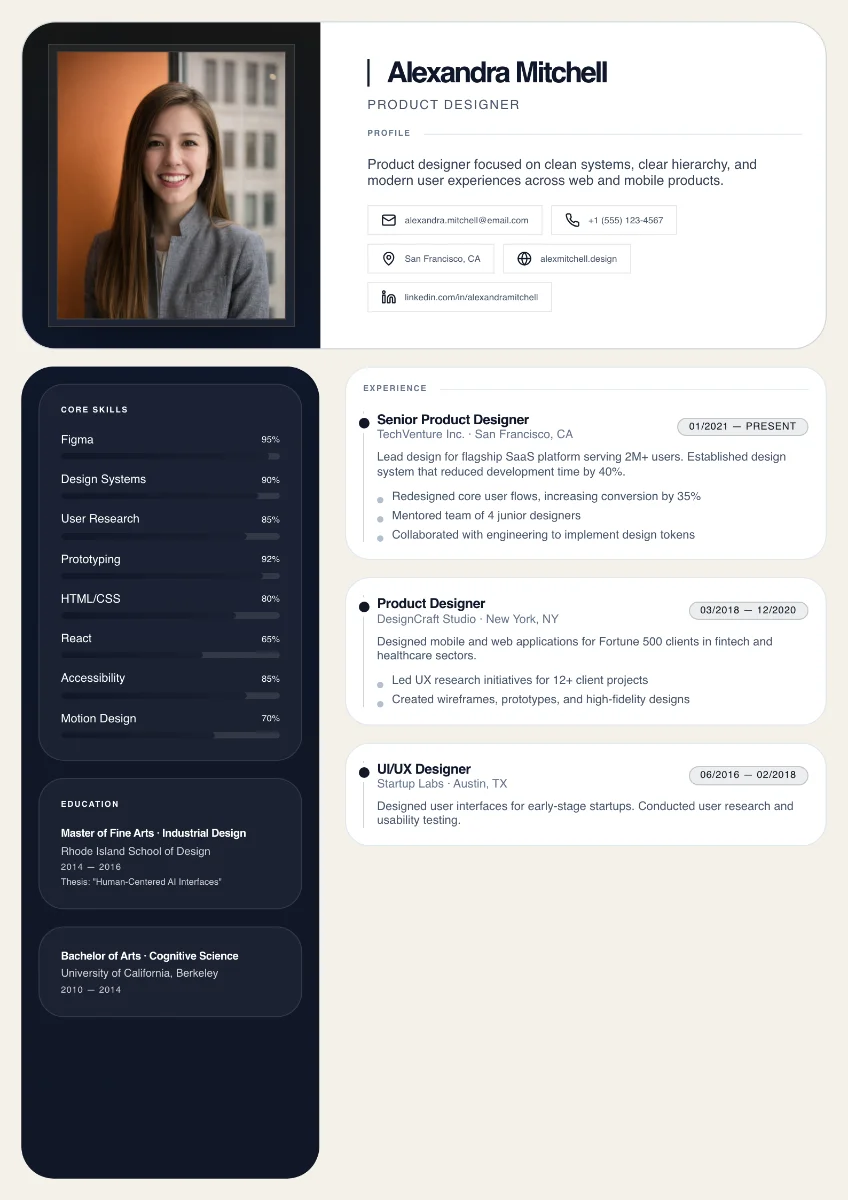
Quiet confidence. Thoughtful detail.
Three Steps
Choose a starting layout for your role so you do not waste time formatting from scratch.
Fill in your details, add role-specific keywords, and watch the resume update live as you edit.
Download a clean PDF for recruiters and ATS systems, then use it in applications right away.
AI workflow
AI gets your resume into the editor in seconds, then helps you rewrite and tailor summaries, experience, and projects without starting over.
AI rewrite in editor →AI resume import
Turn an existing PDF or pasted resume into editable sections with the right fields, structure, and chronology.
AI rewrite in editor
Once your resume is in the editor, use AI to tighten wording, clarify impact, and tailor sections to the role or pasted job description.
Common Questions
Yes. Free is available forever, and Pro is offered as a monthly or yearly subscription.
You can explore the builder for free. Premium templates, more AI editing help, and cloud sync are unlocked with Pro.
Yes. Monthly is designed for flexibility, and yearly is there if you want the lower annual cost.
Most templates use readable structure, but ATS-safe is reserved for the audited low-risk layouts with the strongest parsing compatibility.
Start Your Resume
Start with a professional resume template, tailor it to your target role, and export a clean PDF that is ready for applications in minutes.
Starts in your browser, saves as you type, and stays easy to edit on phone or desktop.